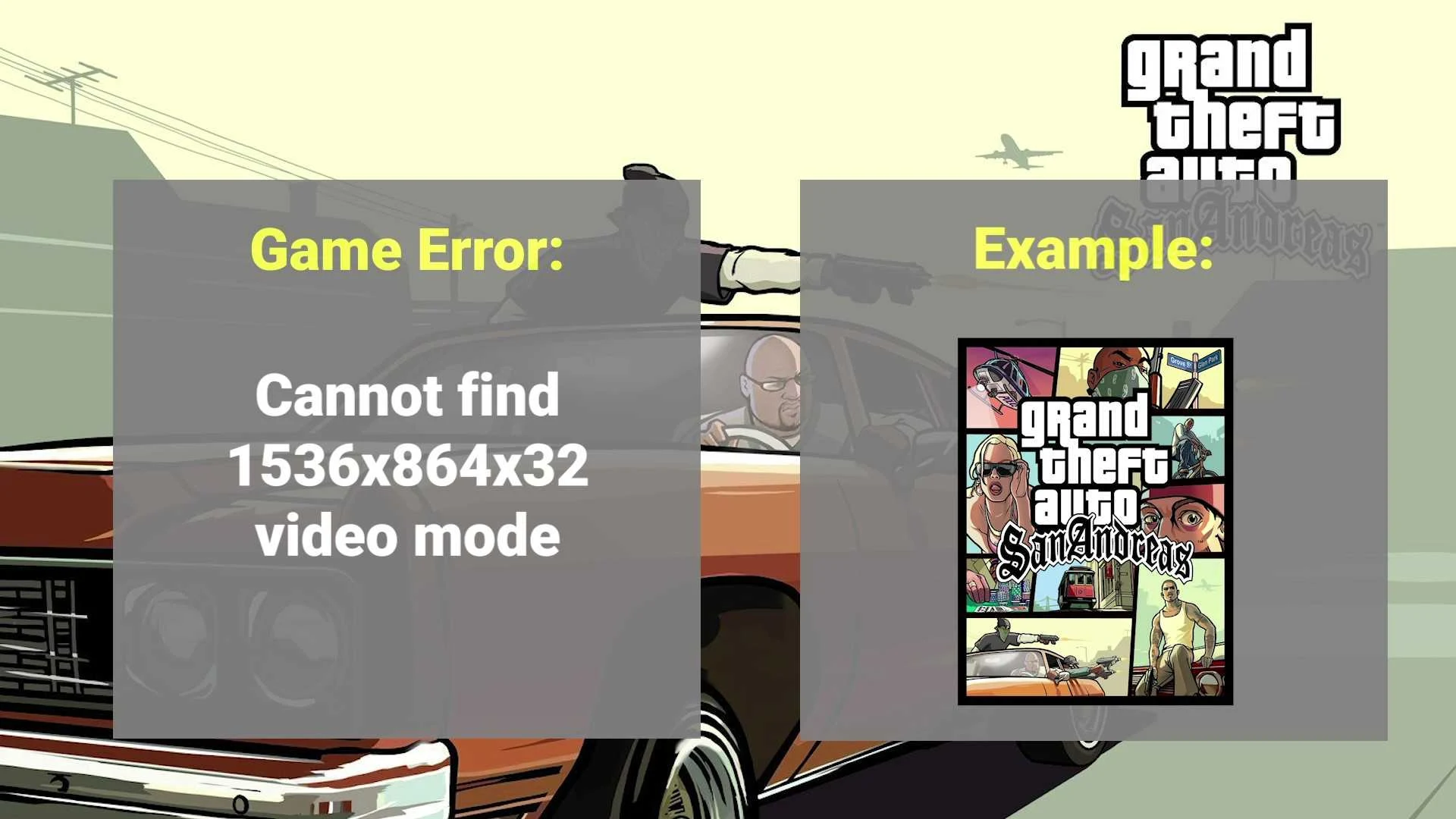
The cause of the error is believed to be a conflict between the game's configuration file (in Documents folder) and the data file of the game you are trying to start.
But don't worry, I have 2 ways to solve it completely.
Note: This guide uses GTA San Andreas as an example. For other games, follow similar steps—the process is essentially the same!
The first way: Turn on High DPI scaling override
Step 1: Right click on "gta_sa.exe", open "Properties"
Step 2: Switch to the "Compatibility" column, open "Change high DPI settings"
Step 3: Check box "Override high DPI scaling behavior."
Step 4: Click "OK", done!
The second way: Turn on Run in 640 x 480 screen resolution
Step 1: Right click on "gta_sa.exe", open "Properties"
Step 2: Switch to the "Compatibility" column, Check box "Run in 640 x 480 screen resolution", click "OK"
Step 3: Play game, open Options/Advanced, change "Resolution" from "640 x 480 x.." to the resolution you want, then apply it and quit game
Step 4: Do the same to step 2, uncheck the box "Run in 640 x 480 screen resolution", click "OK". Done!
Don't forget to watch the tutorial video

 by Admin

 by Admin


Comments
Post a Comment